 𝑖SIGHT LABORATORIES· THE FLIGHT LINE
In-house · i5.1.2 · i5.5.2 · i5.5.12
𝑖SIGHT LABORATORIES· THE FLIGHT LINE
In-house · i5.1.2 · i5.5.2 · i5.5.12
𝑖SIGHT LABORATORIES· THE FLIGHT LINE
In-house · i5.1.2 · i5.5.2 · i5.5.12
𝑖SIGHT LABORATORIES· THE FLIGHT LINE
In-house · i5.1.2 · i5.5.2 · i5.5.12

In-house instrument · 𝑖Sight Labs only
Flight-line operations that carry the 𝑖 to its whY. Find · Lock · whY. The lab's own ops tool: a declared week painted against what actually flew, fifteen minutes at a time; a board that walks every task through a kill chain and caps how much can be locked at once; targets, gates and a reserve gauge that calls JOKER and BINGO before the week is lost; and a logbook that rolls every hour up by project code and folder.
The whole program turns on one declaration: how long, in what mission mix (i5.1.2). Write it down and every interval downstream descends from it. But a declaration is a number on a sheet until something holds a Tuesday to it. On a real flight line that something is operations: the sorties are scheduled, flown, and logged, and the logged hours by mission type are what the tracking program consumes. Nothing in the program flies itself.
𝑖FLY is that flight line for one airframe — the lab's. It takes the declared week (so many hours of contract work, so many of the venture, so many of family, ground, body, and a stated reserve) and lays it on every day as a template. What actually flew is painted over it in fifteen-minute slots. The difference between the two is the honest number: not what was intended, but what was flown, by element, by project, by week.
The lab's mission is to bring military-grade engineering to human life and performance. An aircraft structural integrity program does not stop at analysis; it has a force-management arm that runs the fleet, forever. 𝑖FLY is the lab practising that arm on itself first — the same standard the products ask of a customer, flown by the person who wrote it.
𝑖FLY reads two ways, on purpose. As a plain statement — I fly — and as the inner 𝑖 on its way to whY, the tagline the lab already flies under. The vocabulary inside is Top Gun's, because the job of the tool is to make one thing habitual: work to targets, take them out like bogeys, and ignore the noise. Every task is a contact. It is unidentified until it has a project and a date, in sight once it is broken into pieces with hours on them, locked when it is one of the few that matter this week, and engaged when it is the one thing being flown right now.
The caps are the point. Lock a fourth target and the column answers: Negative, Ghostrider — the pattern is full.
Everything below is one file, no server, no account. The screenshots show a made-up practice's week so the structure is visible without the lab's own task list.
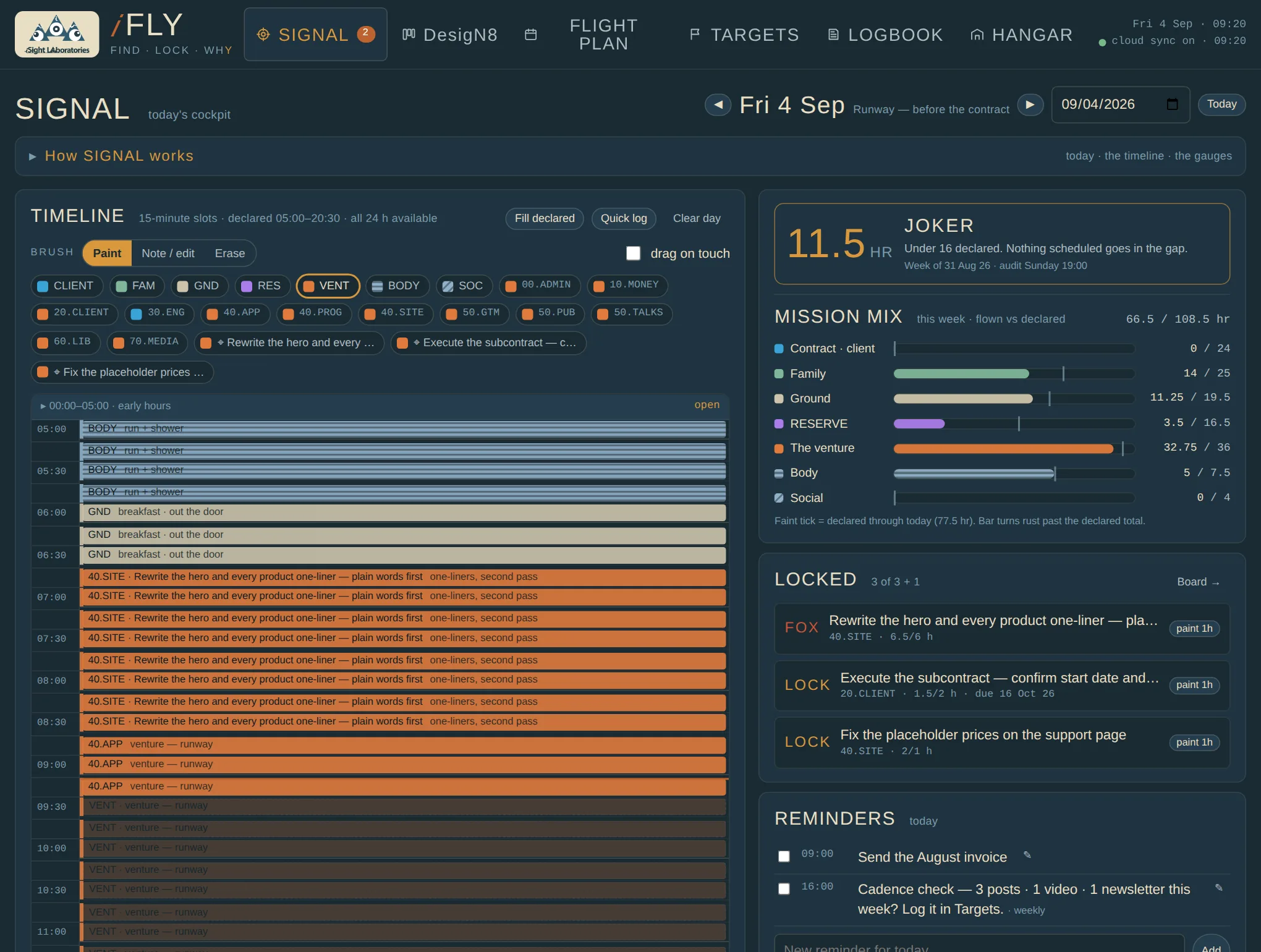
The day as a timeline of fifteen-minute slots. Fill declared lays the Mission Card's blocks down first; then you pick a brush — an element, a project code, or a locked target — and paint over what actually happened. The early and late hours fold away and open on a tap.
Beside it, the gauges read the week: hours flown against hours declared for every element, with a tick at where you should be by today. The reserve gauge counts the uncommitted hours still standing.
LOCKED lists the targets in LOCK and FOX so the sharp block has something to aim at. Reminders for today and one line of post-flight close the day.
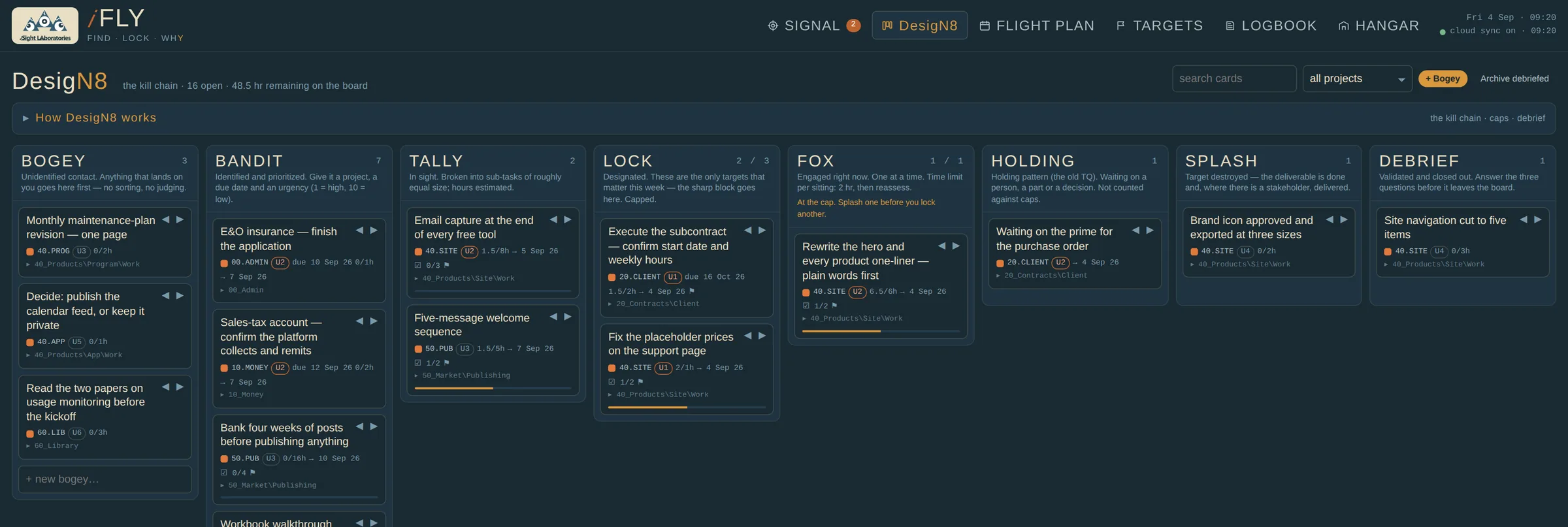
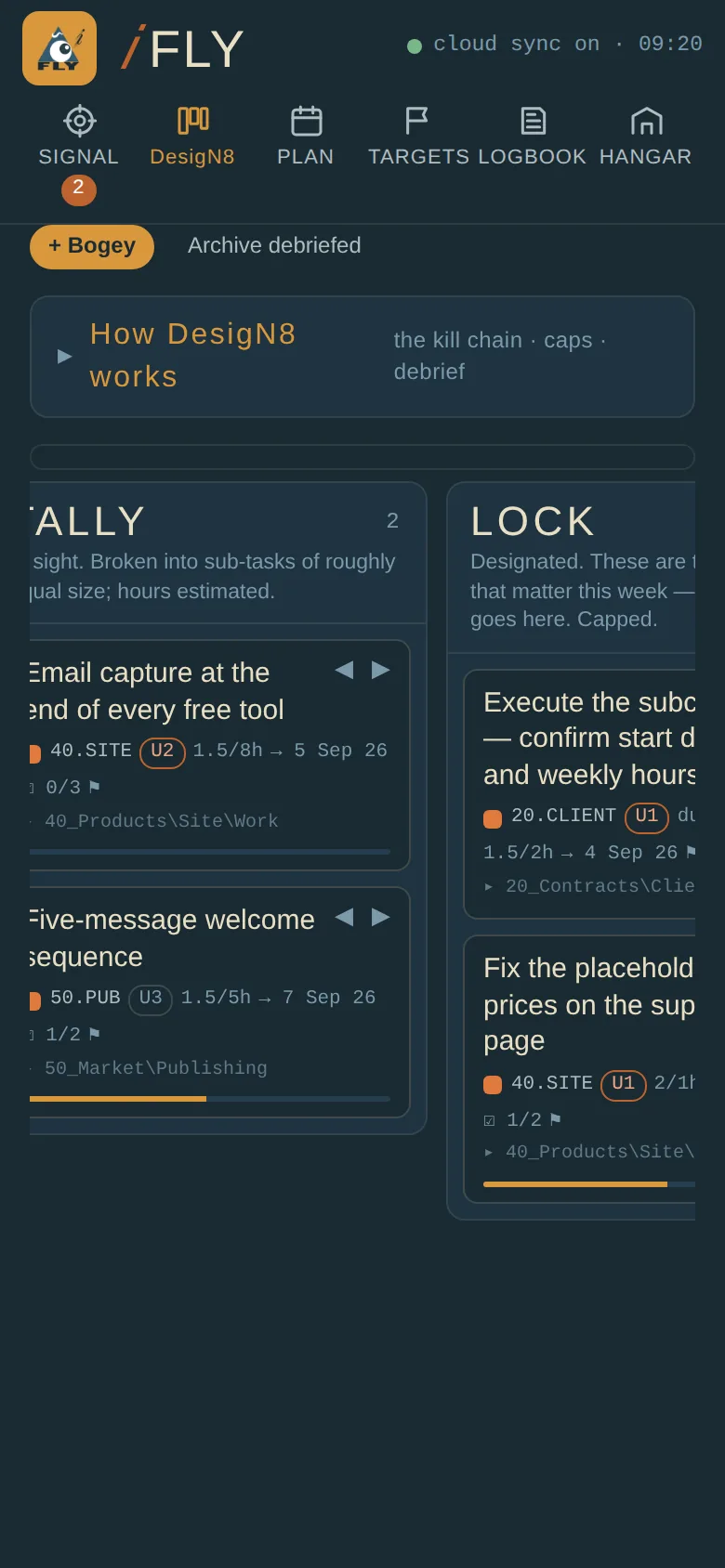
Every card walks left to right. Drag it, or use the arrows on the card, which is the way on a phone. Click a card to open it: project, folder, due date, urgency, estimate, sub-tasks, notes, and the target it serves.
BANDIT sorts itself by urgency and date. TALLY wants pieces of roughly equal size with hours on them, because the estimate is what the forecast uses. LOCK and FOX are capped. HOLDING is for things waiting on a person, a part or a decision, and is not counted against the caps. DEBRIEF asks the three lessons-learned questions before a card leaves the board.
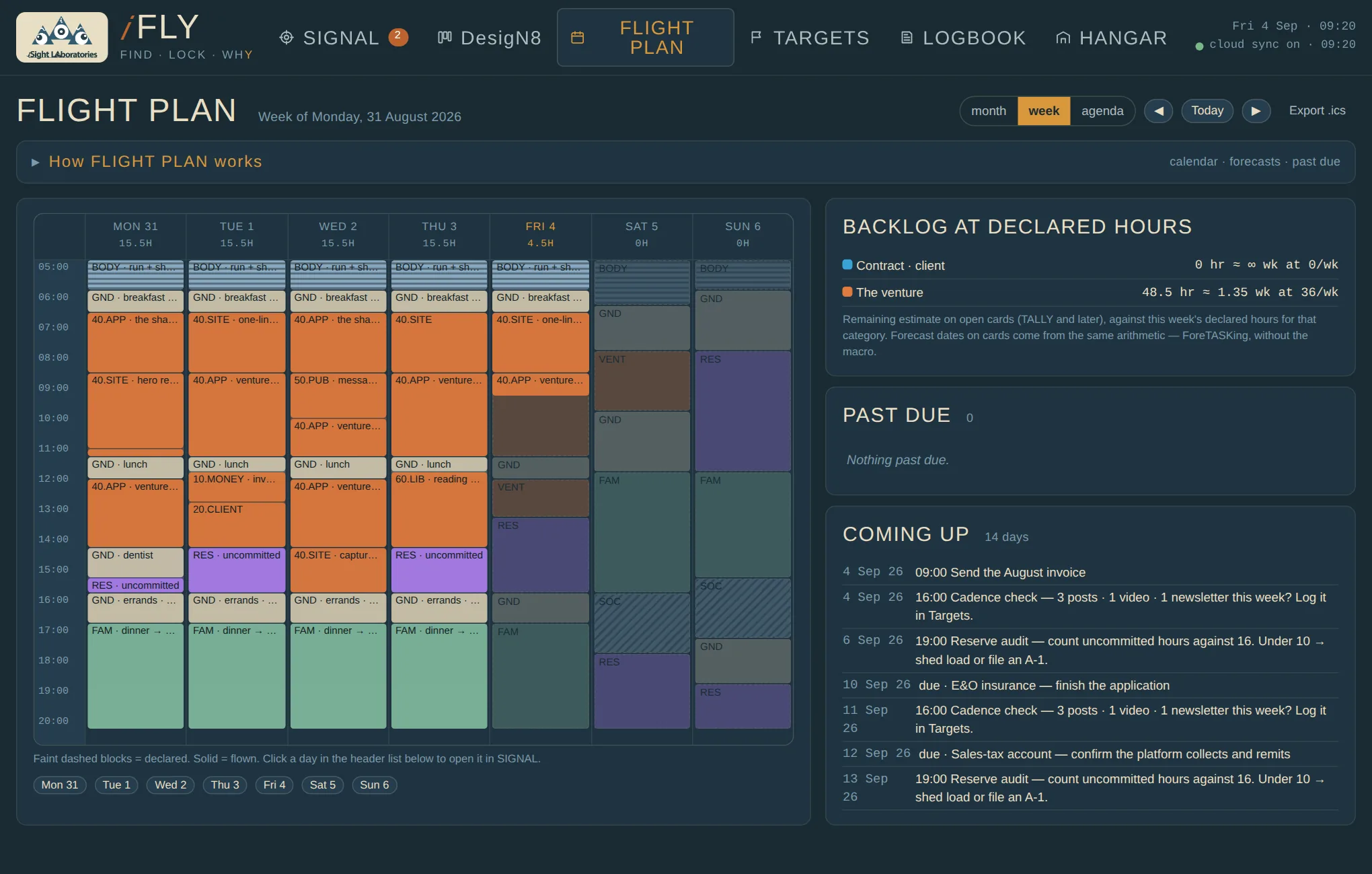
Month, week and agenda. The month shows, per day, hours logged, cards by due date, cards by forecast date, reminders, and milestones and gates. The week draws the declared blocks faintly and what flew solidly, day by day.
Forecast dates are the old calendar-tasking spreadsheet without the macro: every open card's remaining hours are poured, in order — FOX first, then LOCK, TALLY, BANDIT, higher urgency first — into the declared capacity of its element, one day at a time, skipping days that have none. The date a card's hours run out is its forecast.
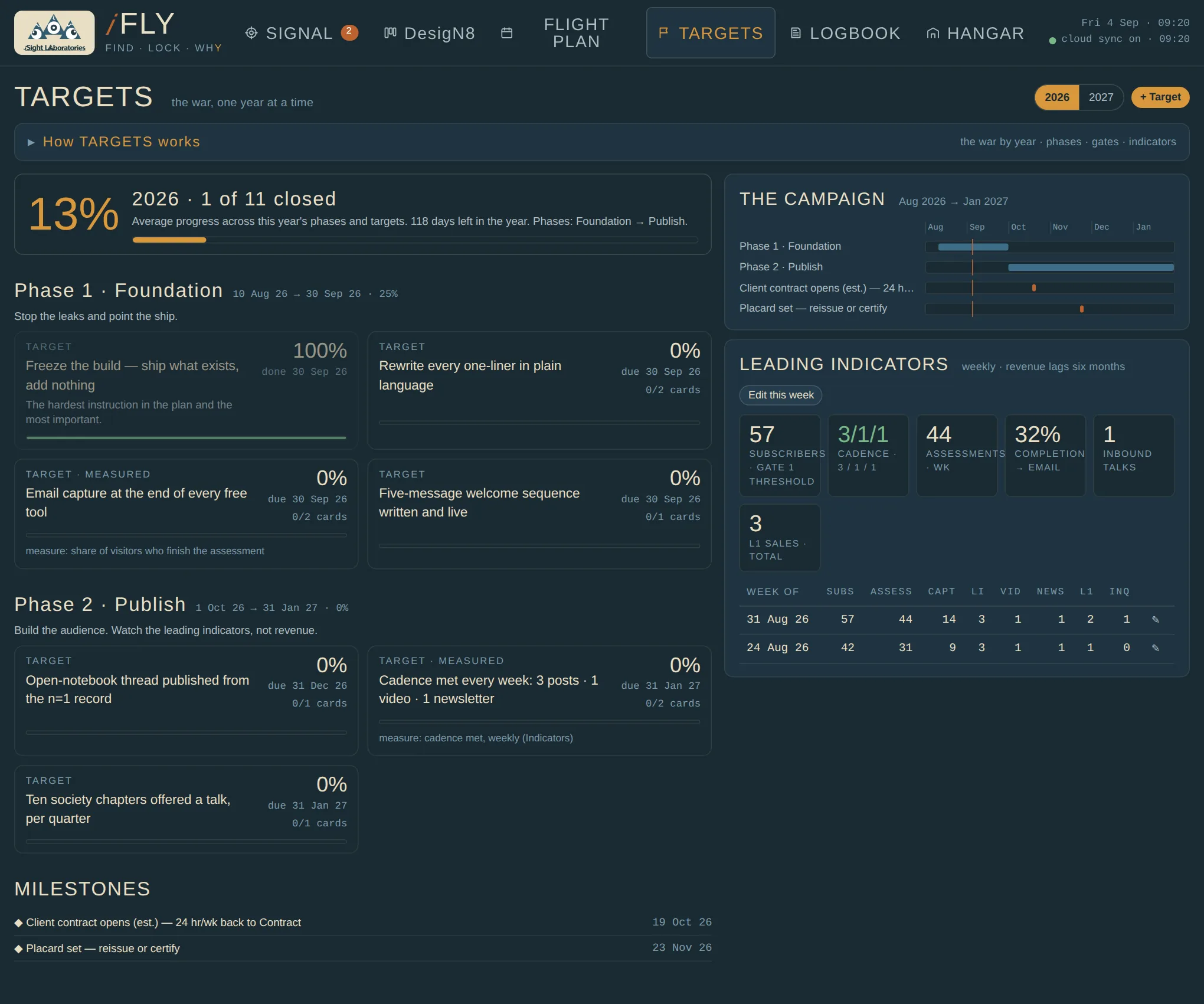
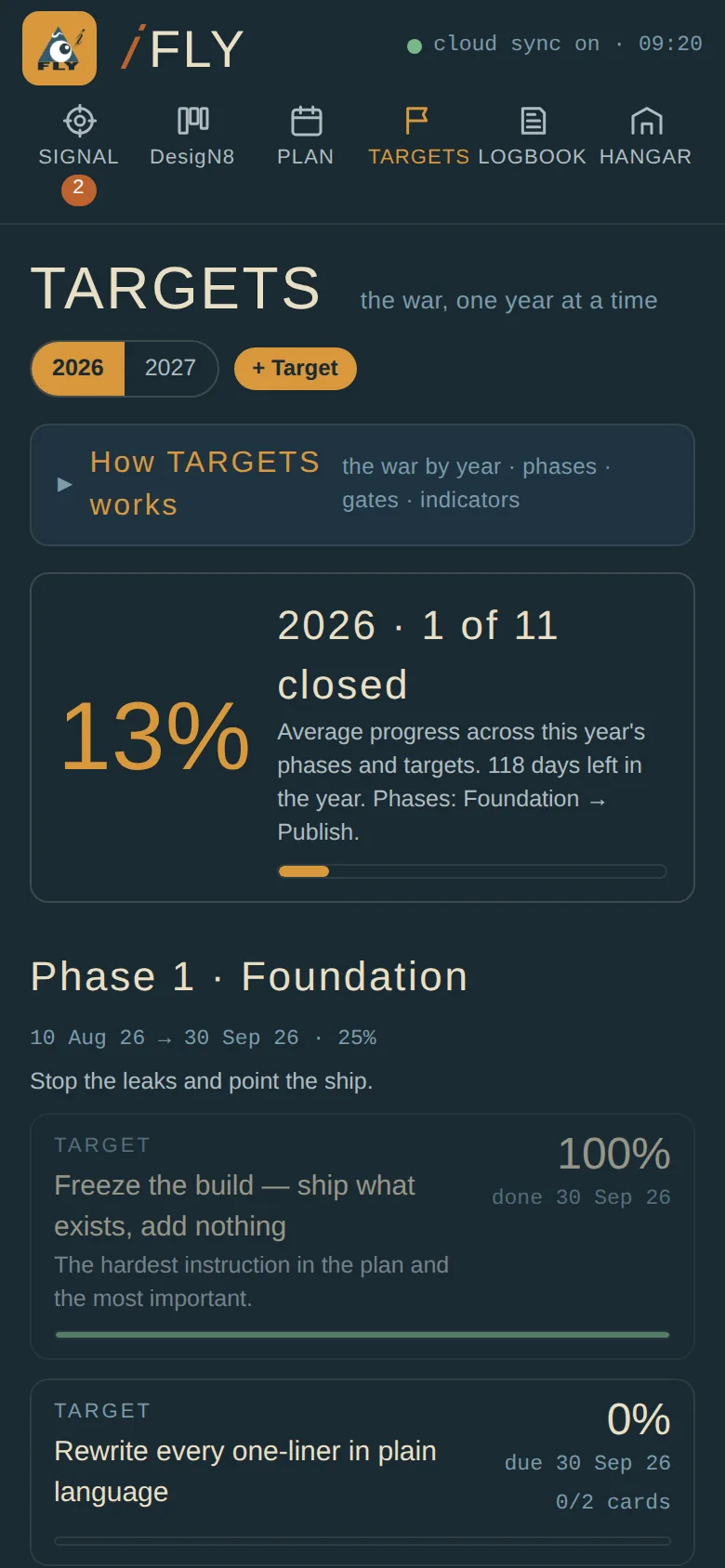
Phases with their targets, gates that are pre-committed checks, milestones on a timeline, and the handful of weekly leading indicators worth logging. Progress rolls up from the cards that serve each target, so the board and the plan agree without anyone reconciling them.
A gate is written before the phase starts, with what happens on yes and on no. That is the whole discipline: a wrong hypothesis costs a quarter, not a year.
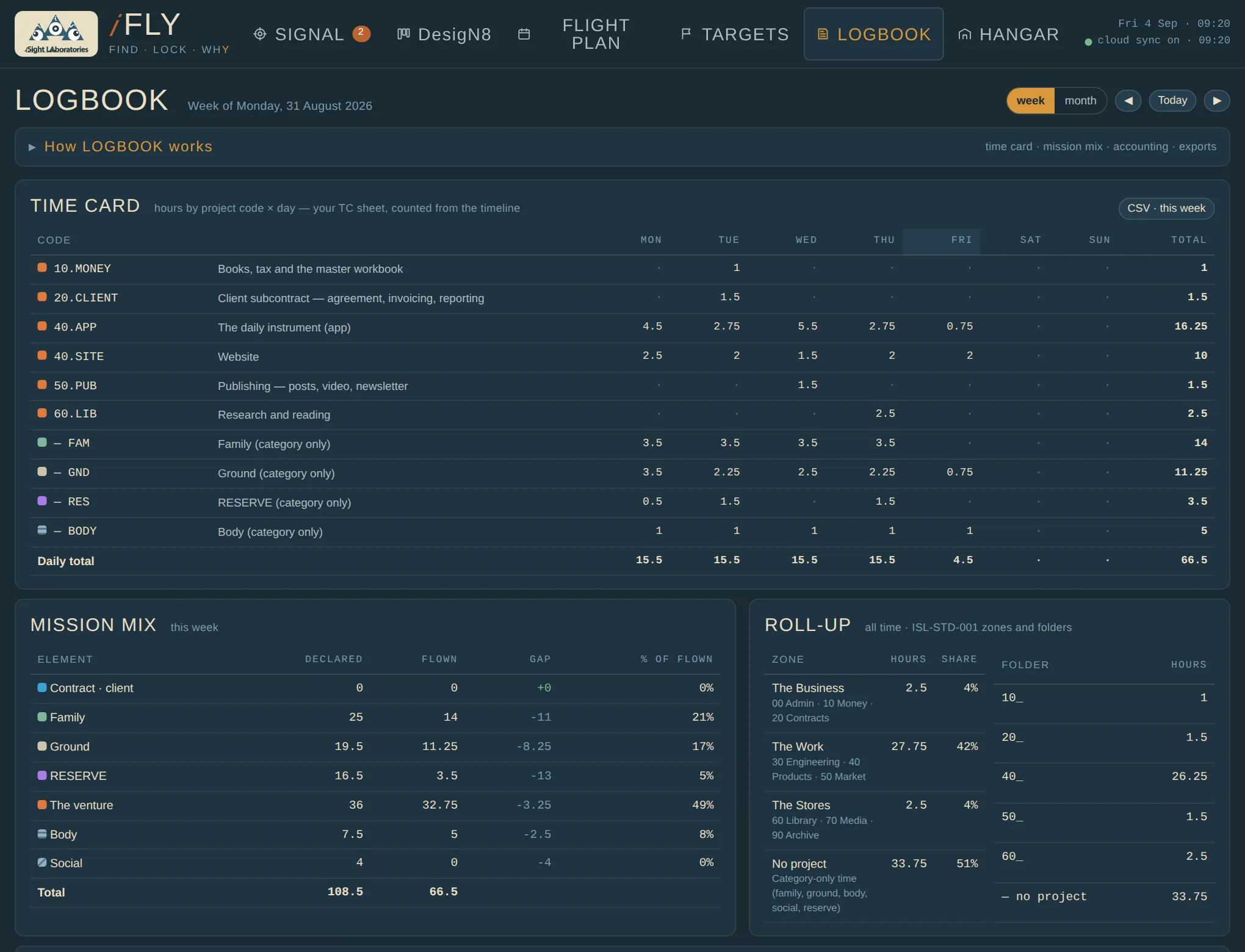
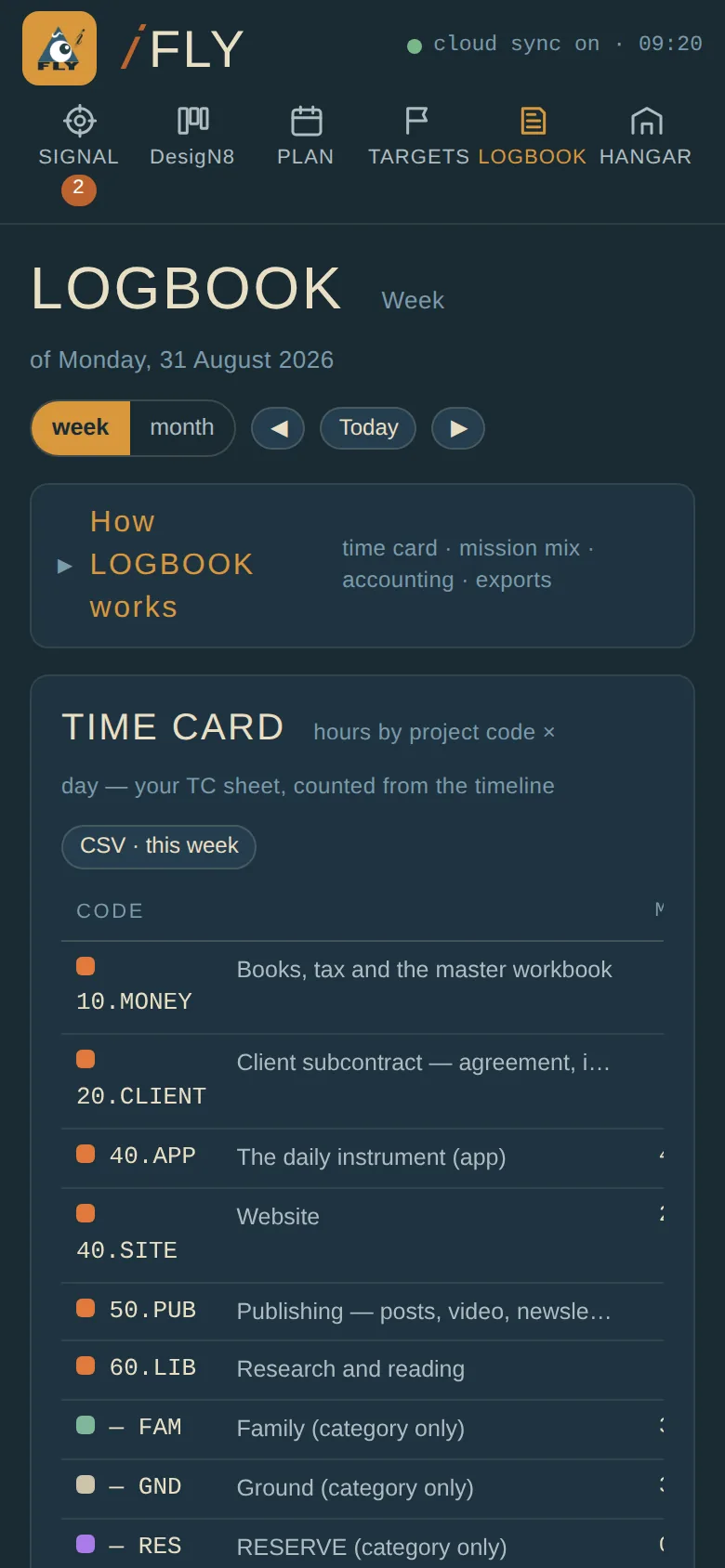
The week's hours by project code and day, counted from the timeline — the timesheet, without the typing. Mission mix as declared, flown and gap. Project accounting against a budget and a rate.
Under the lab's file standard (ISL-STD-001) every project code leads with its folder number — 00 admin, 10 money, 20 contracts, 30 engineering, 40 products, 50 market, 60 library, 70 media — so the hours roll up by folder and by zone: the business, the work, the stores. Exports go out as CSV and a calendar feed; an Excel companion takes one paste and recalculates the accounting side.
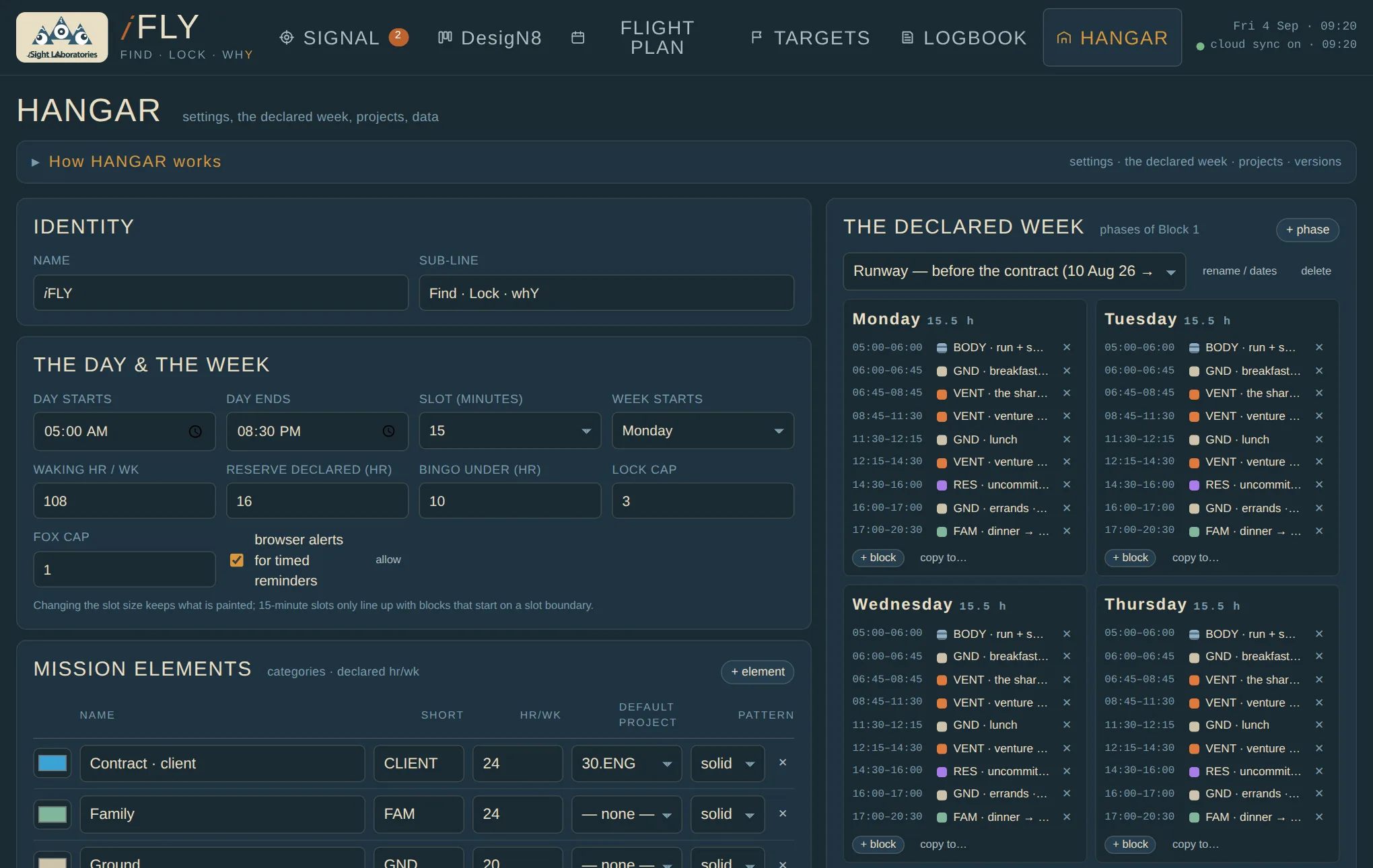
The mission elements with their declared hours, the project list with codes and folders, the caps and the reserve thresholds, and the declared week itself — a block template for each day of the week, in phases. A runway phase now, Block 1 from the day the contract opens; change the boundary and the timeline, the gauges and the forecasts follow.
Also here: version history with daily snapshots, backup and restore, and the sync status between the phone and the PC.
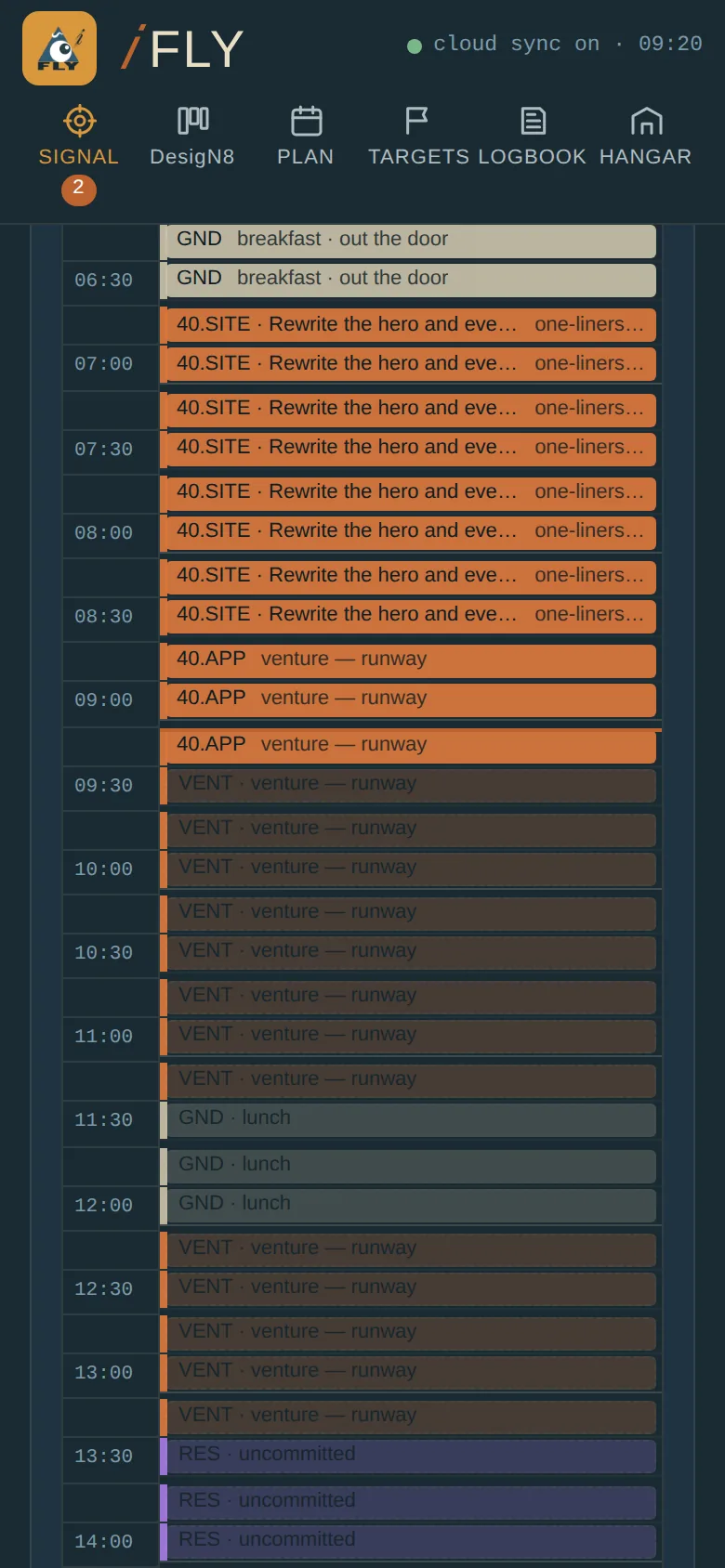
The same file opens on the phone from a Home Screen icon and shares one dataset with the PC; edits merge item by item, the newer one winning, so the two can be worked in the same hour. A tap paints one slot. Cards move with the arrows. The board keeps its place.
Every product the lab ships is a numbered task in the program, and the rule applies to the lab's own tools too. 𝑖FLY claims three, and touches two more.
| Task | What 𝑖FLY does there |
|---|---|
| i5.1.2 · Declared Service Life & Intended Usage | The declared week is the Mission Declaration made flyable: hours per element per week, laid on every day as the template the real day is painted over. |
| i5.5.2 · Individual Tracking Execution | Tracking by hours, not loads. Hindsight Daily keeps the load record — one number a night; 𝑖FLY keeps the usage record — what was flown, by element and project, against what was declared. Two instruments, one tail number. |
| i5.5.12 · Life Management Database Execution | The record itself: every slot, card, target and week, exportable, backed up on a Friday, rolled up by the folder the work lives in. |
| i5.4.2 · Strength Summary & Operating Restrictions | The reserve gauge is an operating restriction flown in practice. JOKER is the warning; BINGO is the placard talking — shed load, or file an A-1 Exceedance Authorization with its expiry written on it. |
| i5.0.2 · Command Authority Determination | The name's premise. The Authority Trace decides whose load you accept; the flight line is where the noise gets ignored and the targets get flown. |
Where it may go. The phases, gates and milestones in TARGETS are a schedule, and the program's Master Plan (i5.1.1) is where schedules of that kind belong. The declared week and the reserve audit are maintenance-plan material, and the 𝑖SMP (i5.4.3) is the keystone artifact that every other instrument is meant to feed. Neither link is built. If 𝑖FLY earns it — a year of flown weeks, a clean record — the natural next step is for it to emit into both, so the plan and the flight line stop being two documents.
Because it was built for one airframe first. The elements, the reserve numbers, the project codes and the phases are the lab's own Mission Card, and the tool is the lab's way of holding itself to it — the first commitment instrument in a line that has so far been strong at measurement. It has flown for days, not years. It syncs between two devices, not a fleet. The Excel side is a companion sheet, not a product.
So the honest label is the one on the card: in-house, 𝑖Sight Labs only. What would have to be true before it were offered: a full block flown on it, the record surviving a recertification, and the links to the Master Plan and the 𝑖SMP actually built. Until then it is the lab practising what it preaches, in public, with the numbers kept private.
This is a description of an in-house instrument, not an offer. The app is not hosted on this site and is not available for download; it runs privately for the lab. The screenshots show an invented practice's week — none of the cards, targets, codes or hours are the lab's own. Nothing here measures a clinical condition or issues a clinical conclusion; the program's referral limits apply as written on every working sheet.